Select Value Representation
The Value Representation feature allows users to choose the display type of the measurement data in the file tree view located in the left panel.
-
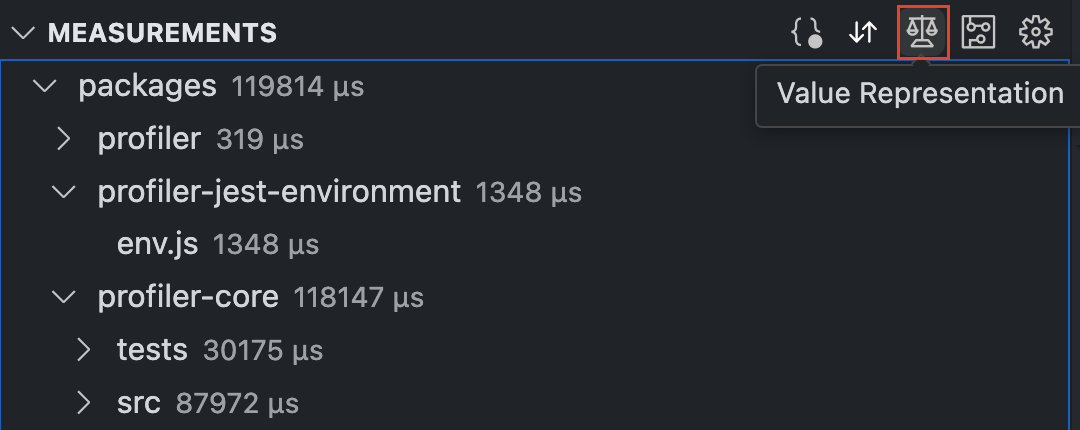
Absolute Values displays the pure measurement data of the report, along with their units. For directories, it sums the measurement data of all files within them.

-
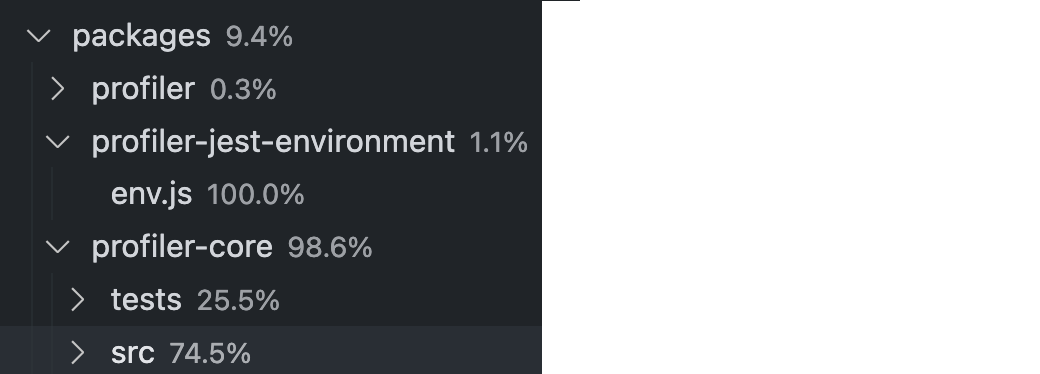
Locally relative values represent the measurement data relative to the hierarchical level (per directory or node module). Thus, the values at a given level must add up to 100%.
-
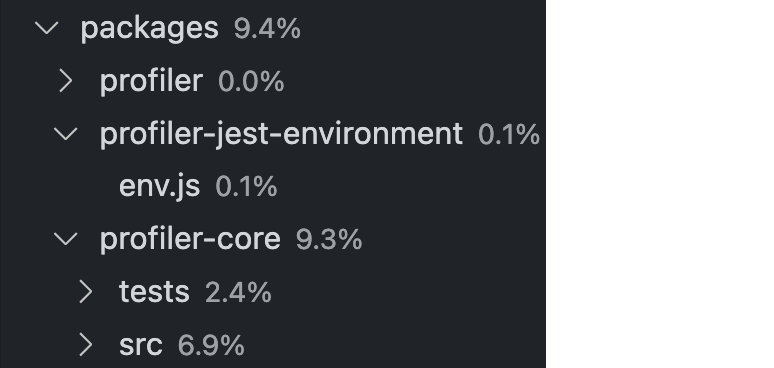
Total Relative Values represent a level in the tree relative to the entire project. Thus, the relative values of all levels together add up to 100%.