Report Preview
-
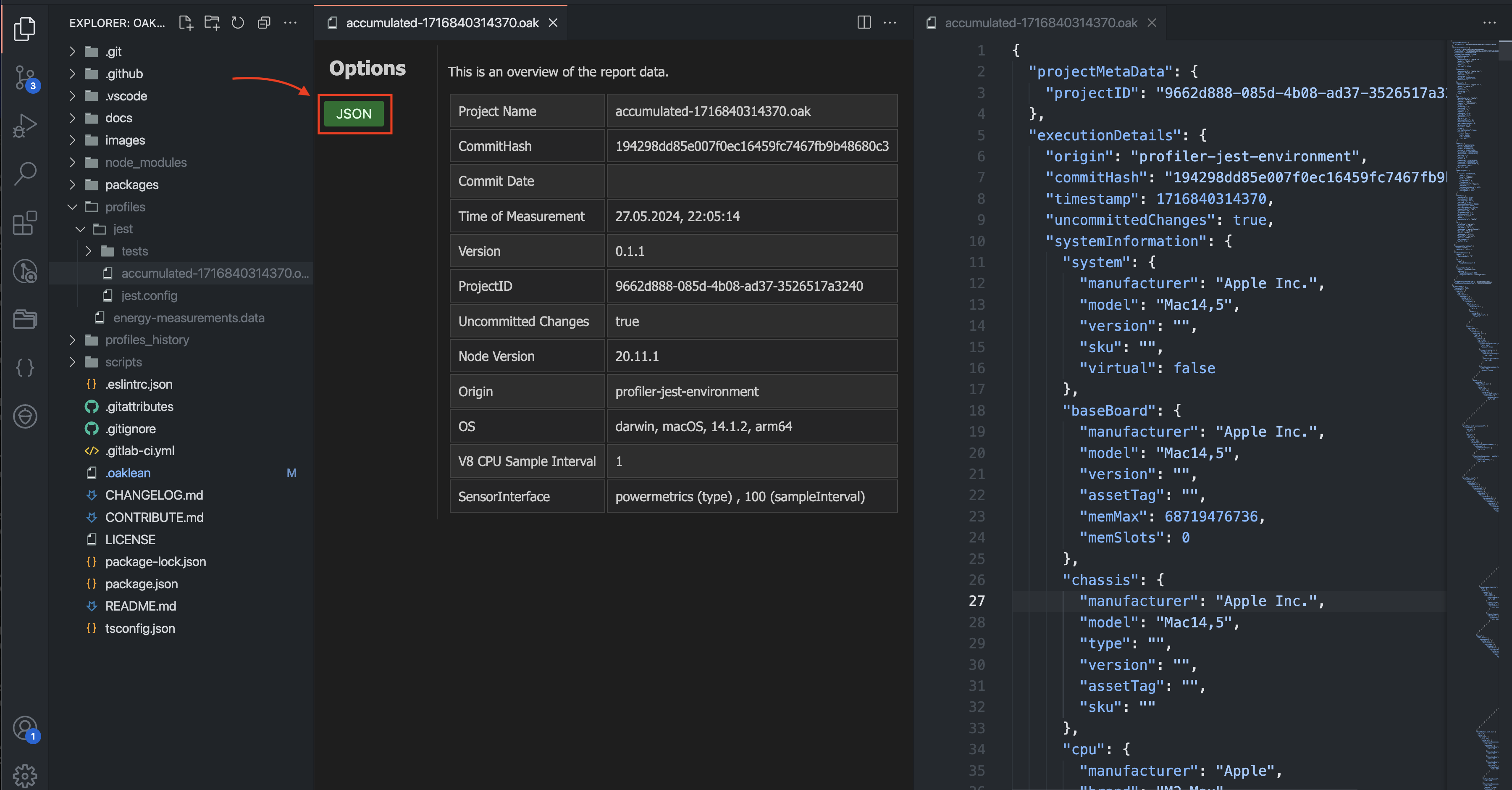
Open a .oak file, which was created by the measurement tool, in VS Code, then a window appears.
-
This view presents the .oak files in a structured format that makes it easier to understand and analyze certain details like project name, commit hash, node version, and other relevant metrics.
Usage
Simply open a .oak file, which was created by the measurement tool, in VS Code, then a window appears (as shown above).
JSON View
Access to the JSON View
-
Within the webview, which automatically opens for .oak files, a structured overview of the JSON data is displayed.
-
To access the raw JSON data, you can click on the "JSON" button.