Select Sensor Value
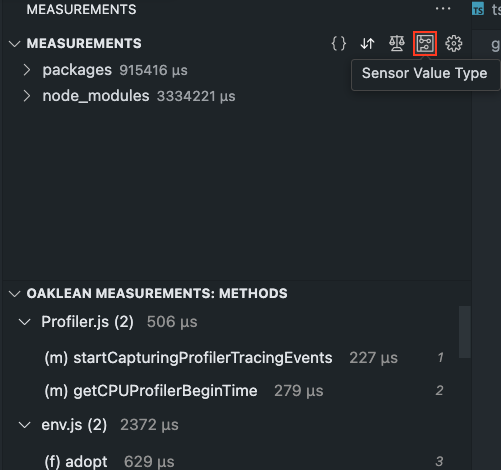
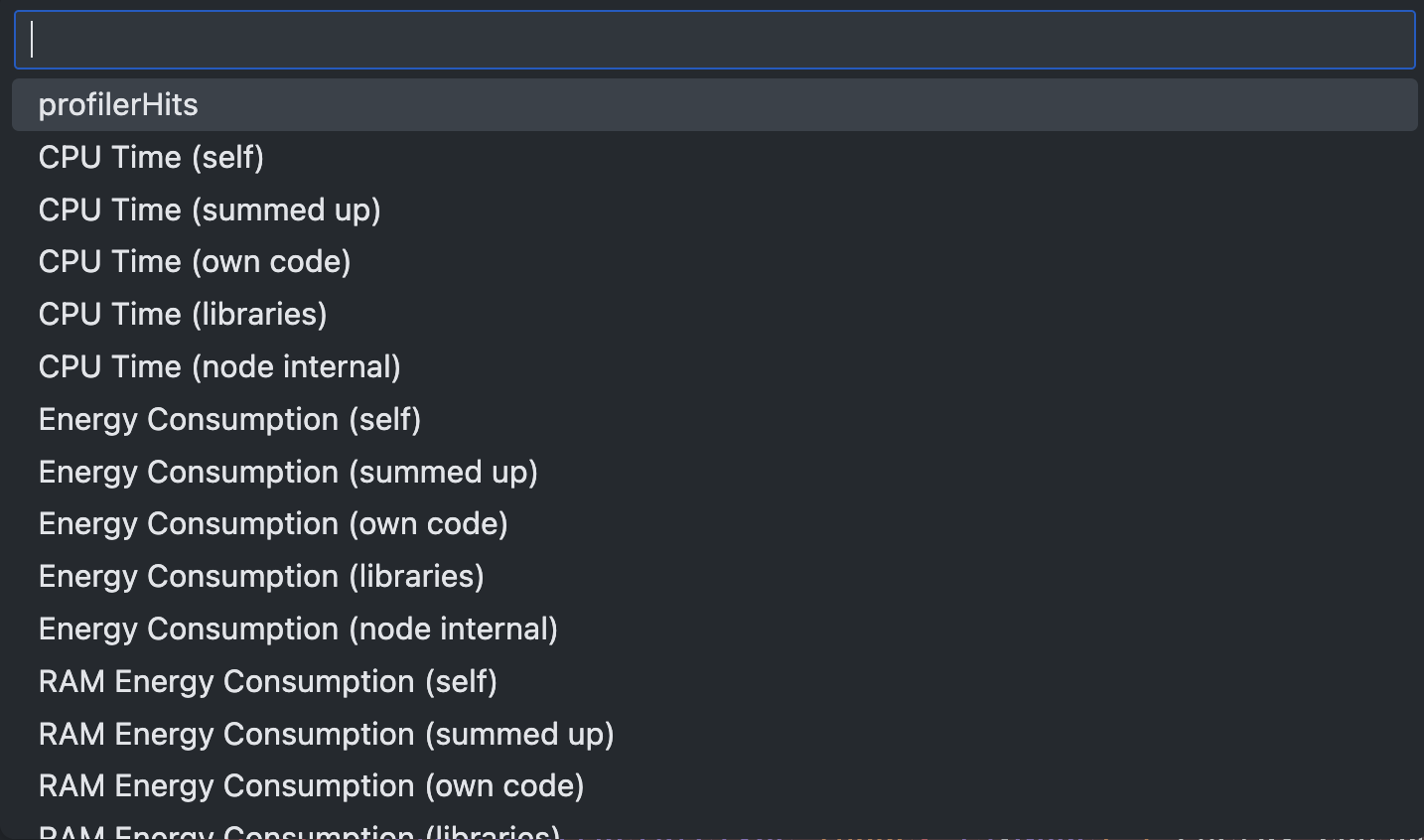
The red-framed button in the picture allows users to select the measurement data to be displayed. Selecting a type changes the display of the measurement values in the left panel under file tree view and project method list view as well as in the lower panel in the file method list.
At the end of the list, "Add custom formula" can be selected. Users can create a custom representation of the measurement data with a mathematically valid formula. The formula may only contain mathematical symbols, names of the measurement data, and numbers. If the formula is incorrect, the previously selected value is retained. For more details on interpreting sensor values and using the custom formula feature read here